


DIGITAL · KEMALPASA / IZMIR
QR Menu
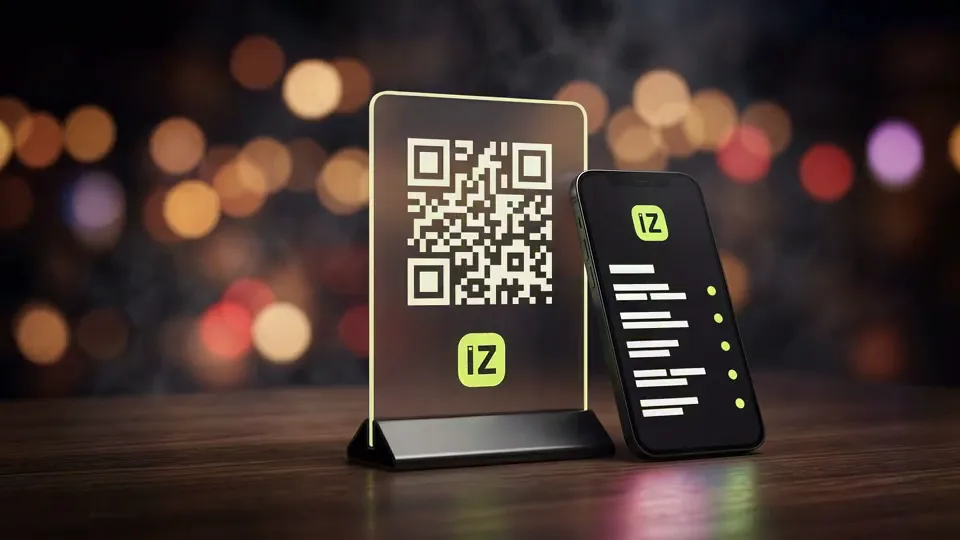
We turn your paper menu into a QR menu, live on every table and updated instantly.
·
The problem with paper menus is obvious. Change one price and the whole thing gets reprinted, drop a seasonal dish and it gets crossed out by hand, worn copies need replacing. A QR menu has none of these problems. Change a price or a dish in one place, and every QR code on every table shows the updated content instantly.
İZVELA's approach builds the menu directly into the business's own website. That has a practical upside. The menu becomes a page that is maintained from one place and is also open to search engines (findable, for instance, when someone searches "[restaurant name] menu") with no dependency on a third-party QR menu platform.
The setup earns its keep fastest in kitchens where the menu moves. A dish of the day, a seasonal item, or a supplier-driven price change is handled without another print run.
What’s included in QR Menu
- +Transferring your existing menu (categories, items, prices) into a digital QR menu
- +Mobile-first, fast-loading menu design
- +A QR code design for the table or counter (print-ready file)
- +A simple maintenance setup for price/item updates
- +A menu that is findable on search engines too. It runs as part of your own site
- +Multi-language support on request (e.g., Turkish/English for tourist-facing locations)
How QR Menu works
Menu handoff
You share your existing menu with us. Categories, items, prices, and photos if you have them.
Design
We turn it into a fast, mobile-readable menu that matches your brand identity.
QR generation
We deliver a print-ready QR code for your table or counter.
Launch
The menu goes live. Once your full menu details are in, the process takes a minimum of two weeks, and scope and workload may extend it.
QR Menu questions we are asked
How is a QR menu made?
The process has four steps. First, you share your existing menu (categories, items, prices) with us. Then that content is moved into a mobile-first page. Next, the table QR code is designed and delivered print-ready. Finally, the menu goes live. Once we have your full menu details, the whole process takes a minimum of two weeks, and scope and workload may extend it.
How much does a QR menu cost, and how is it different from paper printing?
With a paper menu, every price or item change means a new print run. With a QR menu, the update happens once, digitally, and reflects instantly on every table. Setup cost is confirmed at the quote stage based on scope and menu size. Over time, a QR menu eliminates the recurring print cost for businesses whose prices or offerings change often.
What if our customers do not know how to scan a QR code. Is that a problem?
The vast majority of current smartphones scan QR codes directly with the camera, no separate app needed, so the barrier to use is quite low today. Even so, we add a short prompt on the table card, like "Scan with your camera for the menu." And if you do not want to drop the paper menu entirely, the QR menu can simply run alongside it.
Can we update prices on the QR menu ourselves?
After setup, we hand over a maintenance guide so you can make simple price or item updates yourself. For anything bigger, just reach out to us. This flexibility is designed so a small change does not leave you dependent on us every time.
How large should the QR code be, and where should it go?
Size follows reading distance. A few centimetres is enough for a code on a table, because the phone is brought close to it. On a wall or in a window the distance grows and the code has to grow with it. A simple rule works here. A side length of about a tenth of the reading distance usually does the job. On placement we watch two things. The code has to sit at a height where a seated person can hold their phone comfortably, and no shadow should fall across it. A code in the middle of the table disappears once the plates arrive.
Can the colour and logo of the QR code be changed?
They can, within a limit. A code is read through the contrast between its light and dark areas, so when colour is applied that contrast has to be preserved, otherwise some phones cannot read it. A logo can sit in the centre up to a certain proportion, because the code carries its own error-correction margin. Go past that margin and the code stops reading. When we design a branded code we work inside those limits and test it on several phones before handover. Readability is not traded for appearance.
What happens if the menu address changes after the code is printed?
We set it up from the start so that it does not. The code points at a fixed menu address on your own site. The menu content changes while that address stays put, which means printed codes keep working. The problem appears with businesses using a separate QR service, where the address dies when the service changes and every code on every table becomes waste. There is one more point. If your domain changes in future we put a permanent redirect from the old address to the new one, so the printed codes still work.
What about older customers, or people without a phone?
We recommend keeping a few printed menus to every business, and we do not see that as a shortcoming. The aim of a QR menu is not to remove paper entirely, it is to break the reprint cycle. With only a few copies in hand, renewing them when a price changes costs little. For customers with impaired sight the screen has an advantage of its own, since the text size on a phone can be enlarged. That is not possible on a paper menu. When we build the menu we set the text as real text rather than an image, so enlargement works.
Does the menu page open quickly?
It has to, because a hungry customer is less patient than a waiting one. We keep the menu light. Photographs arrive resized for the device, so no large file is downloaded to the phone. As the page opens the text comes first and the photographs load behind it, which means the customer starts reading without waiting. The problem often seen on separate QR services is this. The menu loads like an application and sits on a white screen over a weak connection. In our setup the menu is a plain page, so it opens on a weak connection too.
Can it be used for anything besides a menu?
The same structure earns its place in several other situations. Businesses with a catalogue or a price list have their product list built the same way. Venues running events put their programme and times on it. In estate agency and dealership work a listing runs on the same logic. The common thread is this. Any list whose content changes often and goes stale in print suits this structure. The code itself is designed the same way, carrying your brand colour and logo.
Website projects start from $250, and the monthly digital plans are listed separately. Full scope and pricing is written openly on the plans page.
If you are ready to move your menu to QR, send us the menu you have now and we will scope it with you.